PDF Merge
Bring several PDFs together into one tidy document, in exactly the order you want.
Runs entirely in your browser — your files never leave your device
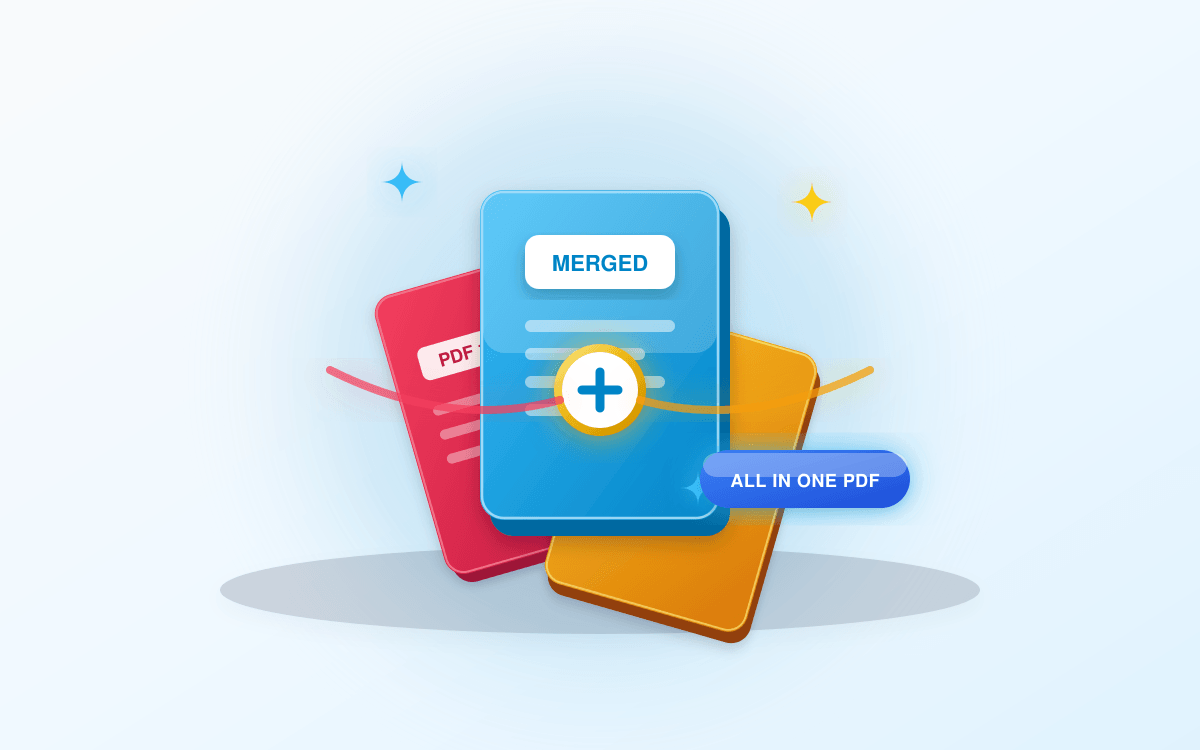
Drop your PDFs here
Add two or more PDF files to combine them.
About this tool
ToolNami's PDF Merge copies every page from each file you add into a single new document, keeping page size, text and images intact. You control the order before merging, and the whole operation happens in your browser so nothing is uploaded.
How to use it
- 1Select and upload two or more PDF files from your device.
- 2Drag and rearrange documents into your desired sequence.
- 3Click the Merge Files button to combine all pages.
- 4Wait momentarily while the single unified PDF is built.
- 5Download your merged document with page order preserved.
Why use PDF Merge?
Full order control
Rearrange files before merging so chapters land in sequence.
Private by design
Files are merged locally and never uploaded to a server.
No page limits
Combine short forms or long reports without restrictions.
Keeps quality
Pages are copied, not re-rendered, so nothing gets blurry.
Free forever
No account, no watermark, no daily cap.
Mobile ready
Works just as well on a phone as on a laptop.
Frequently asked questions
Streamline Document Management with Fast PDF Merging
Managing multiple disconnected PDF documents—such as multi-part proposals, monthly receipts, tax schedules, or thesis chapters—can quickly clutter your desk and email threads. A dedicated PDF combiner empowers you to unify scattered pages into a cohesive, presentation-ready portfolio.
ToolNami's client-side PDF merger stitches distinct documents together with precision. Each page's dimension, orientation, embedded media, and vector pathways are preserved faithfully. You have granular control over the ordering of files prior to export, preventing misplaced appendices or scrambled chapters.
Unlike traditional online converters that force you to upload proprietary company data or sensitive personal archives to remote servers, our zero-upload technology processes all files locally, delivering unmatched speed and complete data confidentiality.
Related Tools You Might Need
PDF Compressor
Reduce PDF file size while maintaining quality — free, instant and fully private.
JPG to PDF
Convert JPG and PNG images into crisp, professional PDF documents instantly.
Image Compressor
Compress images without noticeable quality loss — fast, lossy & lossless presets.